What your nonprofit’s About page needs to make clear
Your nonprofit’s About page should make it easy to understand who you are, where you work and what you do. A mission statement matters, but readers also need facts they can verify.
“We believe in a world where everyone belongs” tells a potential supporter what you value. It doesn’t tell someone whether you run a food bank, provide legal advice or organise activities for older people.
Start with what you actually do.
That description helps a funder checking your organisation, a person looking for support and a journalist deciding how to describe your work. It also gives search and AI systems clearer information to work with, without guaranteeing how they’ll use it.
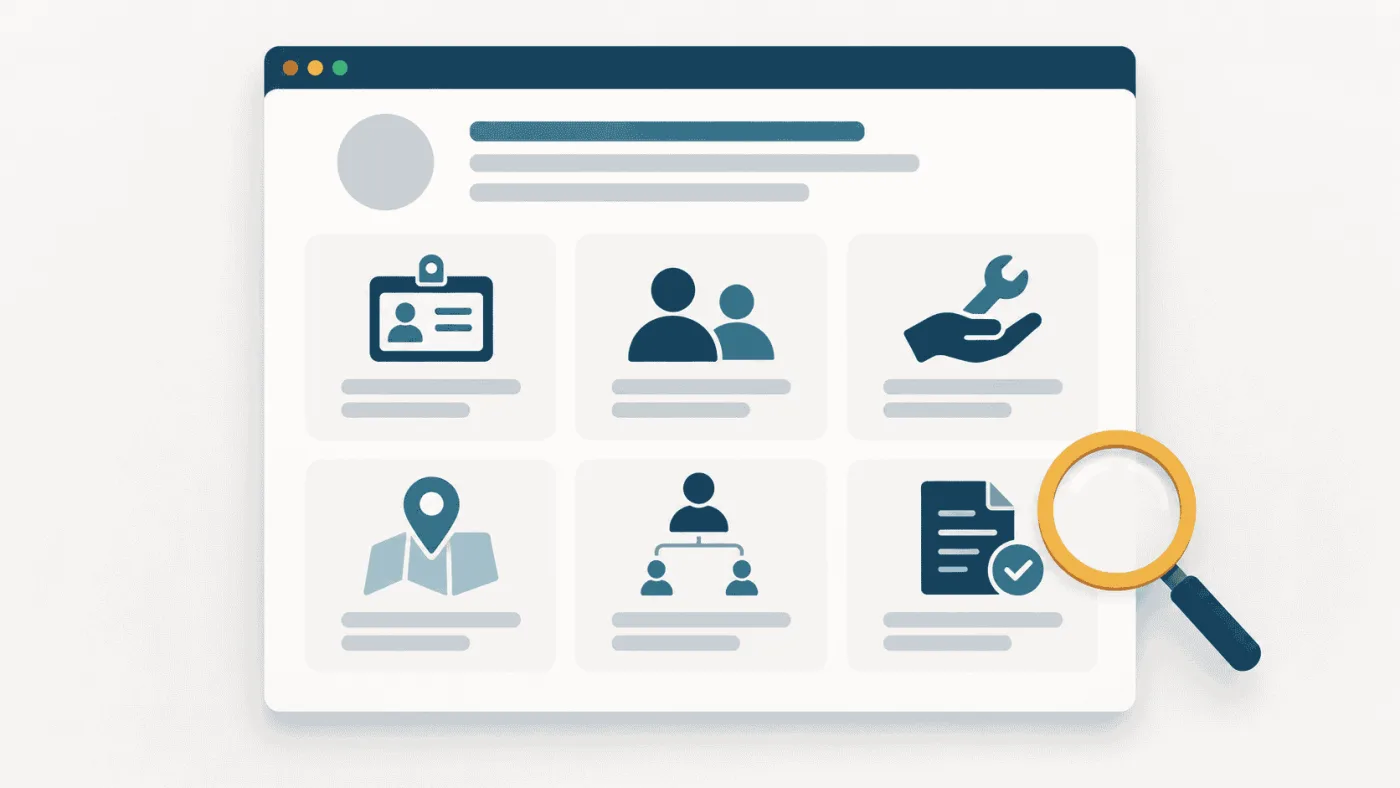
Answer six questions
You don’t need a longer organisational history. You need answers to the questions a stranger would reasonably ask.
-
Who are you? Give the organisation’s full name. If the public name differs from the legal name, explain the relationship. Make clear when a familiar programme name belongs to a larger organisation.
-
Who do you help? Name the people or organisations your work serves. If support depends on age, location or another eligibility condition, say so or link to the relevant guidance.
-
What do you do? Describe actual activities. “Weekly German classes and help completing job applications” communicates more than “empowering communities through inclusion”.
-
Where do you work? Distinguish your office address from the area you serve. Being based in Zurich doesn’t, by itself, tell readers whether your services are local, national or available online.
-
Who is responsible? Identify the leadership or link to a current team and governance page. Readers should be able to see who runs the organisation and who oversees it.
-
Where can someone check the details? Link to contact information, service pages and current reports. Include a public register entry where relevant. A claim about your work is more useful when the supporting evidence is easy to find.
A founding year can add context. Staff numbers and participation figures may help too, but date them and explain what they count. A figure for people supported during 2024 shouldn’t look like a current monthly total.
Put the facts before the mission language
Here’s a fictional example to show the difference. It isn’t a client case study.
Before
We believe in a more inclusive society. Through meaningful connections and innovative programmes, we empower individuals to fulfil their potential and build a better future together.
After
We’re a nonprofit association in Winterthur that supports adults who have recently arrived in Switzerland. We run weekly German conversation groups and help participants prepare job applications.
Activities take place in Winterthur. Our programme page explains who can join, the available dates and how to register. You can find our committee members and latest activity report below.
The second version gives readers something they can act on. It doesn’t claim results it hasn’t demonstrated.
Keep the mission statement. Place it after the practical introduction, where readers already understand what the mission means in day-to-day work.
Keep the homepage consistent
Your About page doesn’t replace your homepage. Someone arriving on either page should recognise the same organisation.
Use a short description on the homepage and a fuller explanation on the About page. Check that service pages, language versions and public profiles agree on your name, activities and geographic scope.
If your English page says “across Switzerland” and your German page describes a service limited to one canton, resolve the difference before adding more copy.
What structured data can help with
Organisation structured data is machine-readable information in your website’s code. Google says it can help it understand organisational details and distinguish one organisation from another. It can go on your homepage or a page describing your organisation, such as your About page. Google’s organisation guidance.
Use details that match the visible page. Markup won’t resolve a contradiction between two descriptions, and it doesn’t guarantee accurate AI answers or citations.
Google also says its AI search features don’t require a special schema or separate AI-specific optimisation. Clear content and the usual search fundamentals remain relevant. Google’s AI search guidance.
Check what others understand
Start with a person unfamiliar with your organisation. Give them the page and ask what you do, who you help and where your services are available. Note which answers they struggle to find.
Then run a small, repeatable AI check using those same questions. Record the platform, whether web search was enabled, the date, the answer and any cited sources.
Check factual accuracy separately from whether your website was cited. A mention isn’t a citation, and a citation doesn’t mean every claim is correct.
If an answer is wrong, inspect the cited pages, including third-party profiles. Without a cited source, don’t assume you know where the mistake came from. Repeat the check after corrections, but treat it as an observation, not proof that your edit caused a change.
Your first goal is a page that explains your organisation accurately to someone who has never heard of it.